What is PMW Level Up?
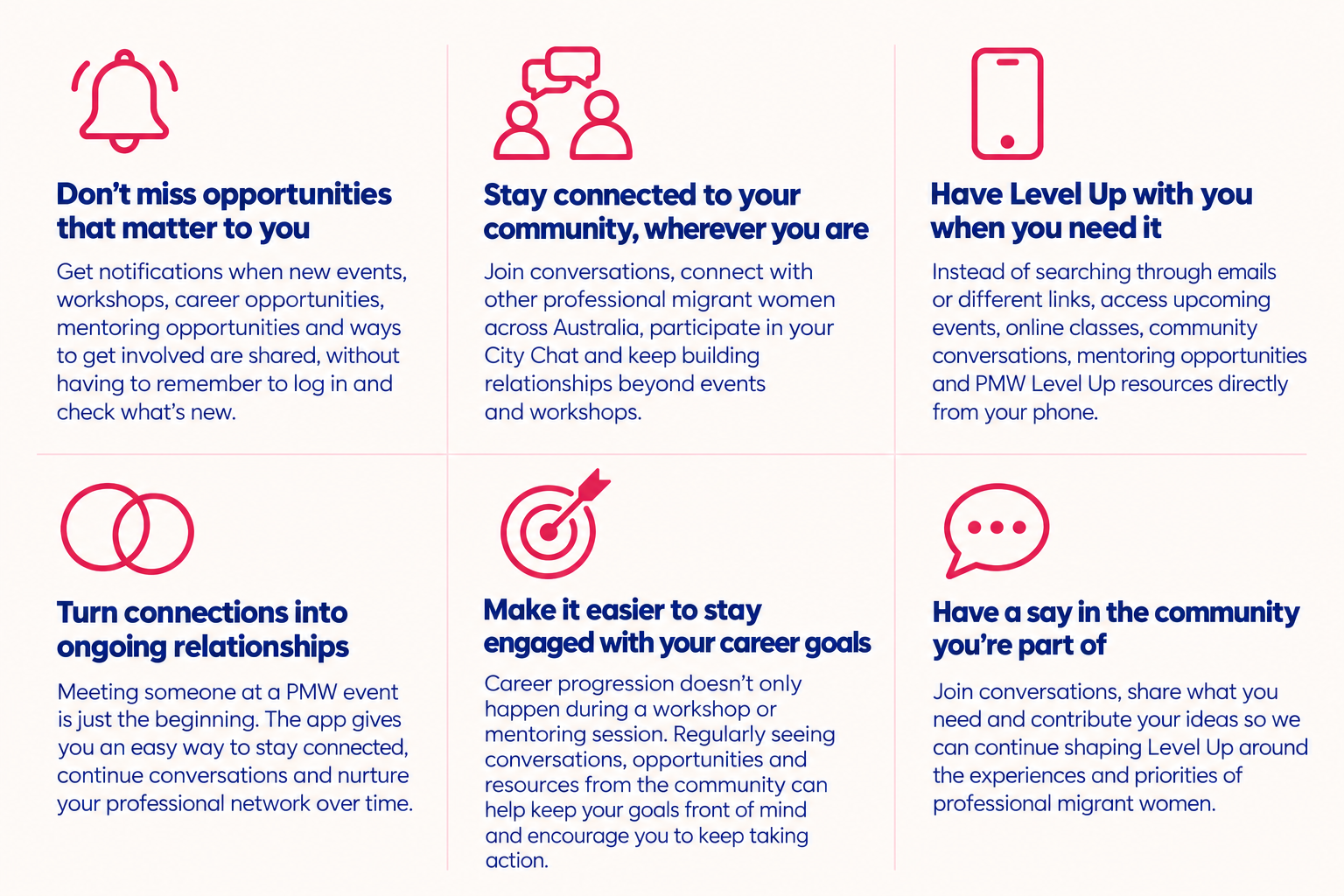
Why download the PMW Level Up app?
Guide to downloading the PMW Level Up Mobile app
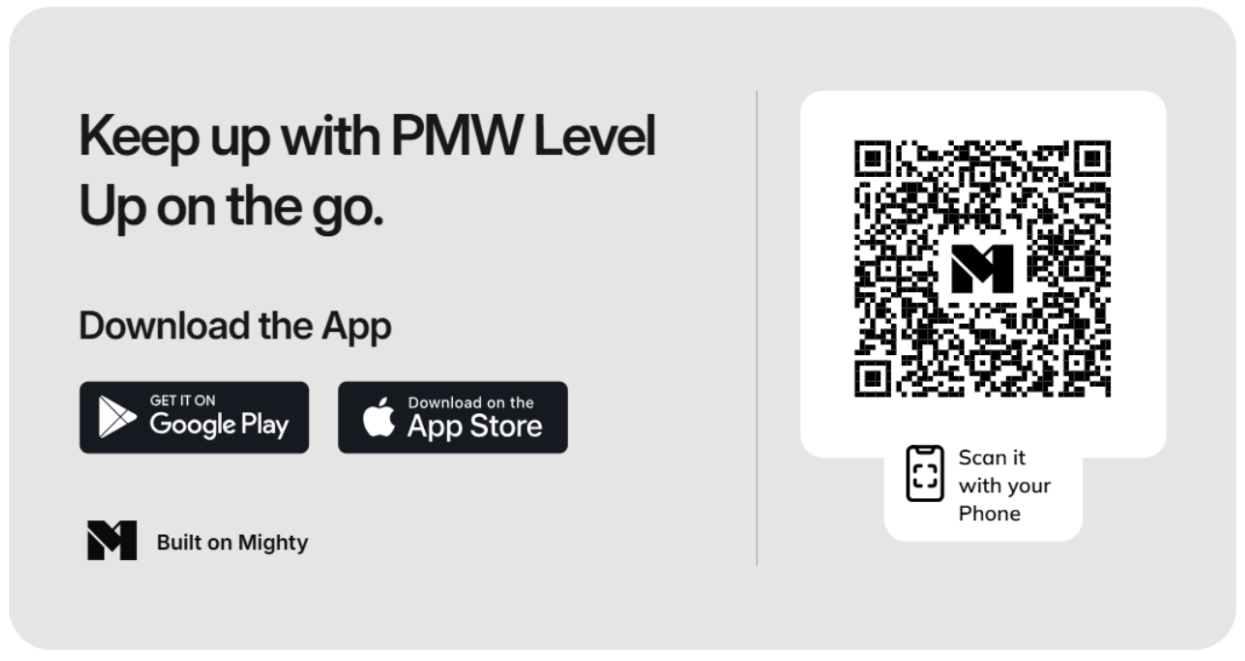
Step one:
Download Mighty Networks via App Store or Google Play.
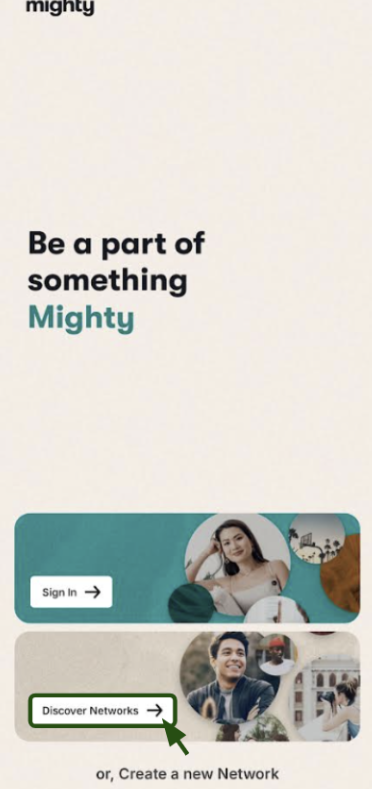
Step two:
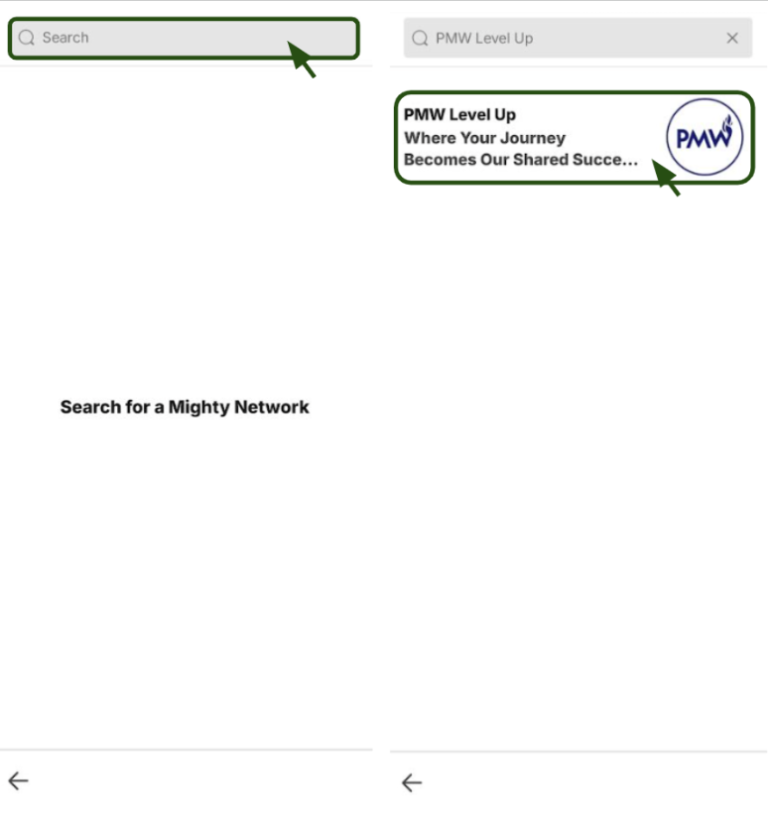
Open the Mighty Networks App and click on “Discover Networks.”
Step three:
Search “PMW Level Up” and click on our network.
Step four:
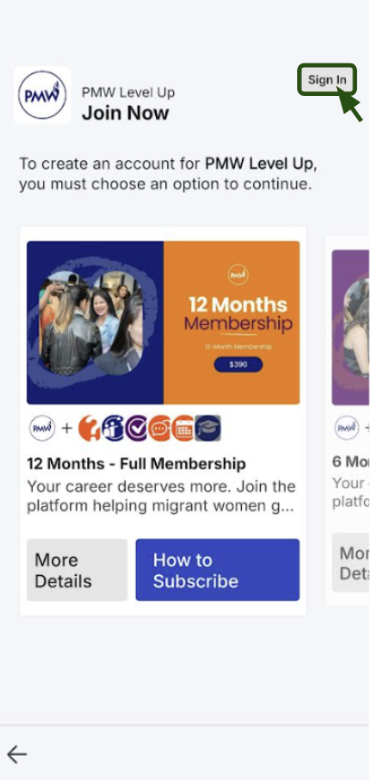
Sign in to your account.
Step five:
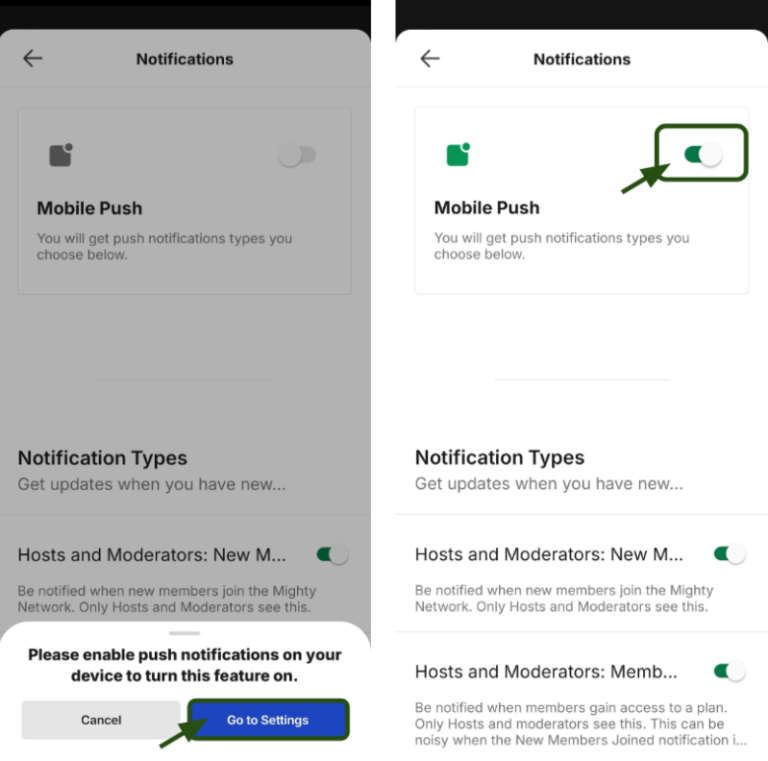
Turn on your notifications!
To do so, follow the following steps:
1. Click on your profile at the top right-hand corner.
2. Click on the settings button at the top right-hand corner.
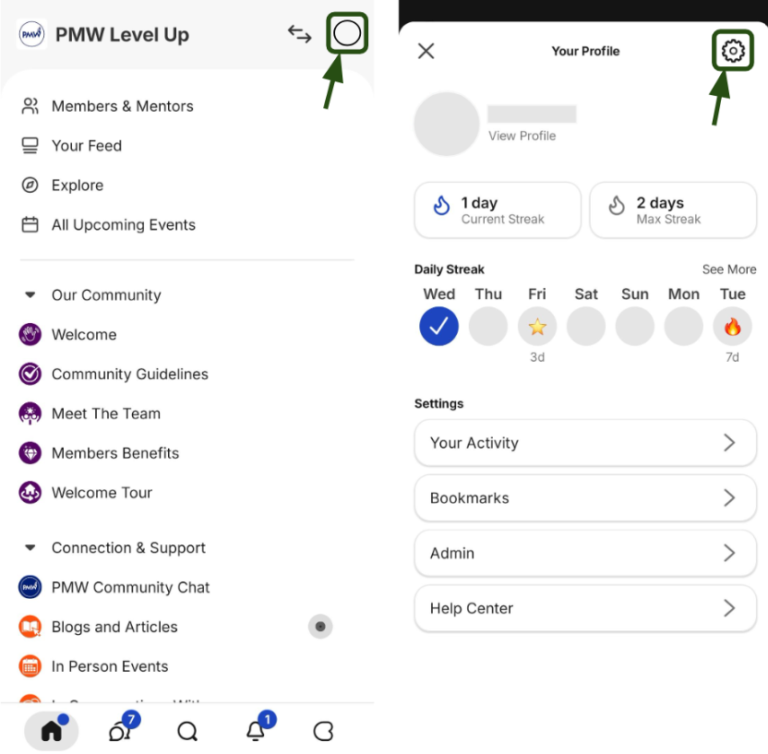
3. Click on notifications.
4. Choose if you would like email notifications.
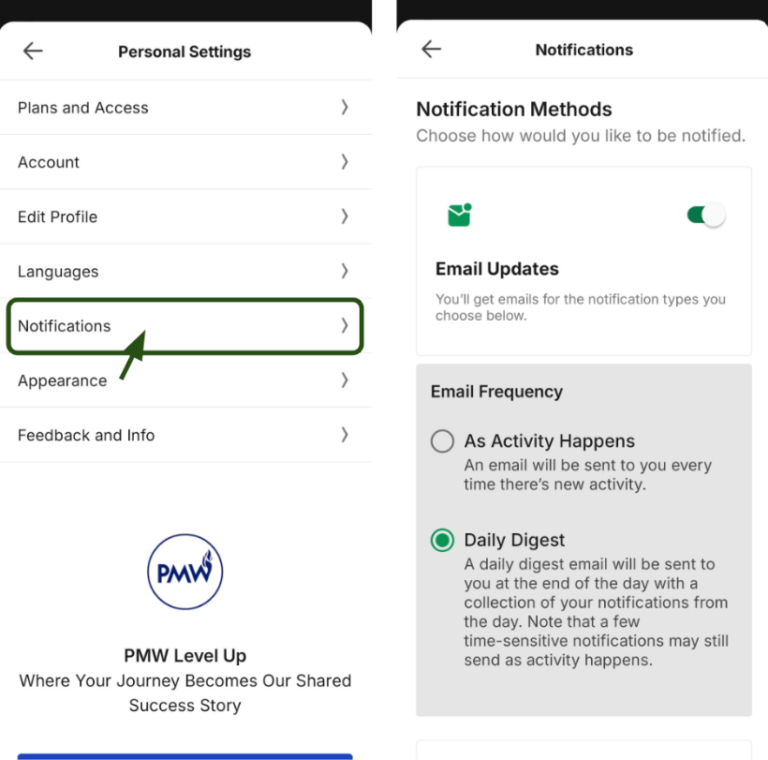
5. Scroll down and turn on mobile push notifications on Mighty Networks and on your phone settings.
6. Choose what you would like to be notified of.